— Healthcare
AI Receptionist for Medical and Dental Practices: How It Works After Hours
Every practice knows the pattern. The phones are busiest exactly when the front desk is busiest. After 5 pm the calls go to voicemail, and some of those callers simply book somewhere else in the morning. Meanwhile your team spends hours on the same repeat work: re-typing patient details, chasing insurance, reminding people about tomorrow's appointment.
An AI receptionist takes that routine work off the front desk. This guide explains what it actually does, what it must never do, and how to tell whether it is right for your practice.
What is an AI receptionist for a medical or dental practice?
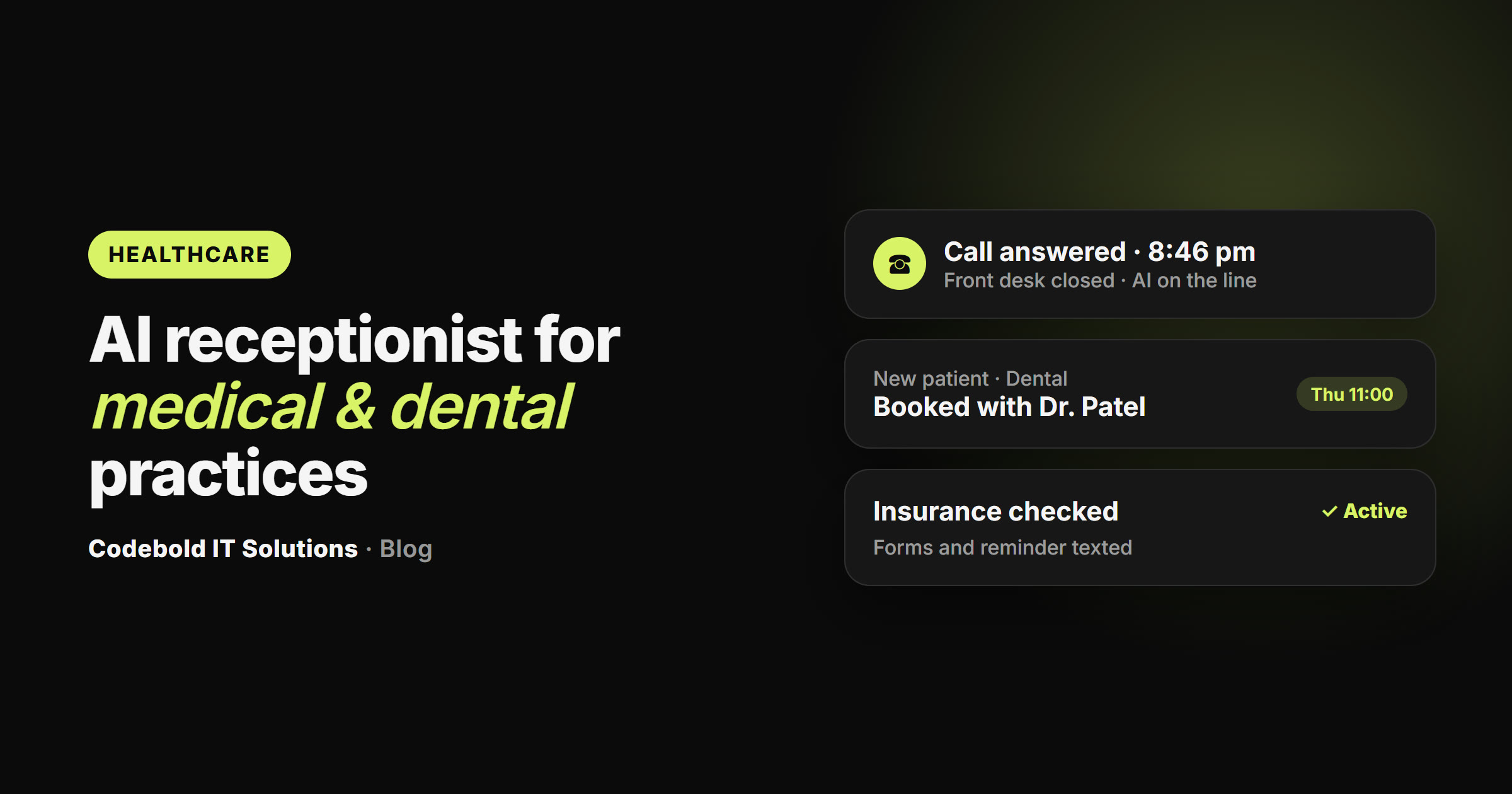
An AI receptionist is a voice assistant that answers your practice's own phone number, in your practice's name. It picks up when every scheduler is on another call, at lunch, and after hours. It works out which department or provider the caller needs, takes their details once, books the appointment into the live schedule, and writes the call up for your staff.
It is not a phone tree ("press 1 for appointments") and it is not a voicemail box. Callers speak normally, in their own language, and get a real answer.
What can it do for the front desk?
- Answer and book. It reads the live schedule, offers two or three times, books the one the patient picks and texts a confirmation, with the building and floor for a hospital.
- Check insurance before the visit. It logs in to the payer portal or clearinghouse with your account, checks the plan is active and what the visit costs the patient, and flags a missing referral or prior authorization.
- Get intake forms done before arrival. It texts a secure link to your own new-patient forms, reminds once, and tells the front desk what is still missing. The clipboard in the waiting room goes away.
- Remind and rebook. Patients get a text the day before and the morning of, and reply with one letter to confirm or reschedule. A freed slot goes straight back into the schedule and can be offered to a short-notice waitlist.
- Run recalls. Check-ups, unfinished treatment plans and repeat visits are followed up every day, by text first.
- Send an evening summary. What was booked, what was rescheduled, which insurance checks need a person, and which calls your team took.
What should an AI receptionist never do?
This is the first question most doctors ask, and the answer should be in writing before you sign anything:
- No medical advice, ever. It books, reminds and confirms. It does not triage, advise or explain a result. Anything clinical is written up and handed to your team.
- Urgent goes to a human. You define what counts as urgent (for example chest pain, trouble breathing, bleeding after a procedure, or a caller asking for a person). Those calls are transferred at once, after hours to your on-call number, without the AI judging how serious they are.
- It says it is an AI. On every call and every text.
- Texts only with consent. Only patients who gave you their number and agreed, in the hours you set. STOP always works.
- Results are never sent by text. At most it tells the patient a result your team released is ready in the portal.
Voicemail vs an answering service vs an AI receptionist
| Voicemail | Answering service | AI receptionist | |
|---|---|---|---|
| Answers after hours | No | Yes | Yes, any hour |
| Books into the real schedule | No | Usually takes a message | Yes, on the call |
| Checks insurance before the visit | No | No | Yes |
| Texts reminders and rebooks | No | No | Yes |
| Speaks the caller's language | No | Sometimes | Yes |
| Urgent calls to a person | No | Yes | Yes, by your rules |
Which practices is it a good fit for?
It suits any practice where the phone and the schedule drive the day: dental practices, primary care, physical therapy, eye care and optometry, dermatology, pediatrics, urgent care, fertility clinics, labs and imaging, specialty clinics, home health and hospitals. A hospital can have one number for every department, with each caller booked into the right department's schedule.
A dental practice gets the most from recalls and treatment follow-up: the recall list that never gets worked, the treatment plan agreed and never booked, and the late cancellation nobody filled.
Does it work with the software we already use?
It should. Where your EHR or practice management software offers a connection, it uses it. Where it doesn't, a browser agent signs in with your own account and does the clicking, the same way your team does. That is also how payer portals, lab systems and older software get covered. Your calendar, email and Excel or CSV files work too.
What about patient data and HIPAA?
Be wary of any vendor that claims to be "HIPAA certified": no official HIPAA certification exists. Ask instead where patient details are stored (ideally in the systems you already use, in a workspace of your own), whether anything is reused or sold (it should not be), and whether the vendor can sign a Business Associate Agreement. Get those answers before any work starts.
How much does it cost?
Pricing varies a lot between vendors, so ask for the full figure before you sign. At Codebold it works in four parts, each agreed in advance: a free 30-minute call to map how your front office runs, with a written plan you keep either way; one fixed price to build and test the flows you approve; a monthly fee while it runs (hosting, daily checks, fixes and changes); and calls and texts passed through at cost. There are no hourly bills and no per-provider fees.
How to get started
- Write down what your front office repeats every week: the calls, the reminders, the insurance checks.
- Decide what counts as urgent at your practice, and who takes those calls after hours.
- Book a free mapping call. You get a written plan, and an honest answer on whether automating it is worth it.
See the full set of flows for hospitals, dental practices, labs and specialty clinics on our healthcare automation page, or read about automation for other industries.
Frequently asked questions
Will patients know they are talking to an AI?
Yes. A well-built AI receptionist introduces itself as the practice's AI assistant at the start of every call and text. That is honest, and some states now require it.
Does an AI receptionist give medical advice?
No. It books appointments, sends reminders and intake forms, and tells patients when a result the team released is ready in the portal. Symptoms, medication and result questions are written up and handed to your team.
What happens if a patient calls with an emergency?
The call goes to a person immediately. Your practice decides in plain words what counts as urgent, such as chest pain or bleeding after a procedure, and after hours those calls go to your on-call number. The AI does not judge how serious it is.
Can it check insurance before the visit?
Yes. A browser agent logs in to the payer portal or clearinghouse with your practice's own account, checks the plan is active and what the visit will cost the patient, and flags a missing referral or prior authorization to your team.
Does it work with our EHR or practice management software?
It connects to your EHR or practice software wherever it allows a connection, and where it doesn't, a browser agent signs in with your account and does the clicking. It also works with your calendar, email and Excel or CSV files.
Is it HIPAA certified?
There is no official HIPAA certification, and a trustworthy vendor will not imply one. Patient details should stay in the systems you already use. Bring your compliance policy to the first call and ask exactly how data is handled, and whether a Business Associate Agreement can be signed, before any work starts.
How much does an AI receptionist cost for a practice?
With Codebold there is no per-seat or per-provider fee. The first mapping call and written plan are free, the build is one fixed price agreed before work starts, running it is a monthly fee, and calls and texts are passed through at cost.
Want this for your business?
Start with a free 30-minute call, or get your new home page designed for free first. You see it before you pay anything.