
An AI receptionist on your own line
Answers and makes real calls in the patient's language, books into the right diary, and writes the call up for your staff. It says it is an AI, and it never gives medical advice.

Healthcare automation
I need to see the doctor about my knee.
I'm the clinic's AI assistant. Thursday at 10:30 am?
Booked · confirmed on WhatsApp
— Sound familiar?
Not a software problem. A Tuesday.
The chair is empty. The phone isn't.
Evening and Sunday enquiries wait for Monday.
Ready at four, still there at nine.
The reminder went out when someone had a minute.
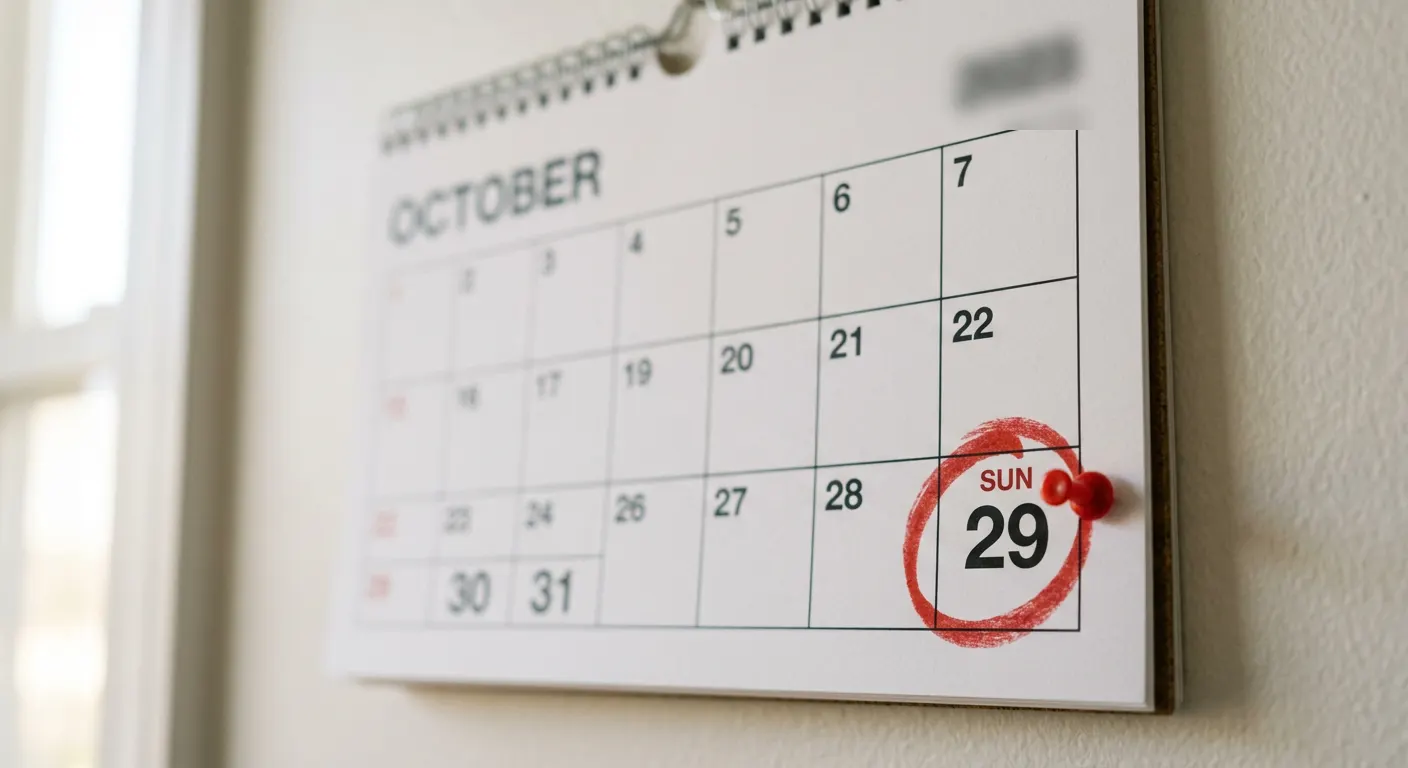
Six-month visits and repeat tests, waiting for a quiet afternoon.
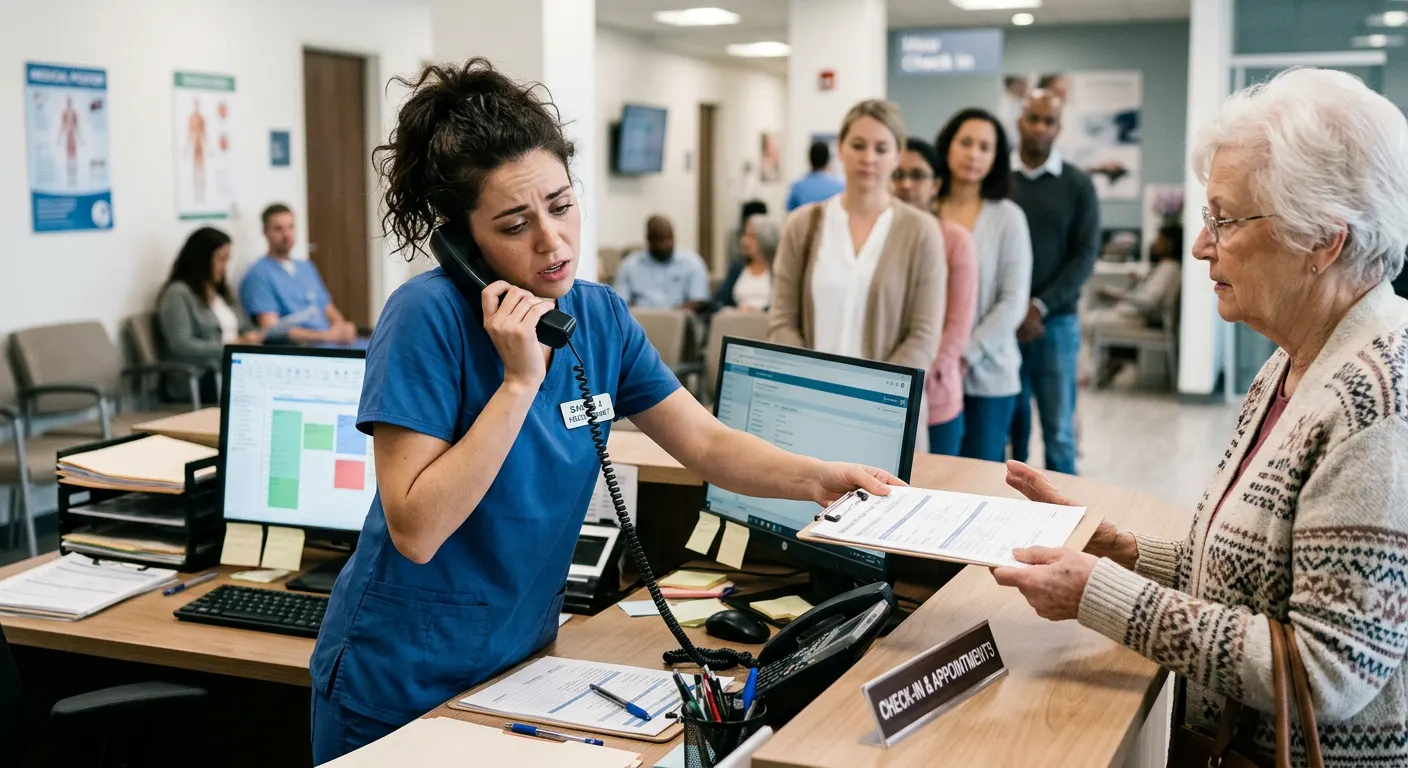
The phone, the queue and the reports all want the same person.
Every one of these can run without waiting for a free pair of hands.
— Where it fits
Calls answered, the right doctor booked, confirmation on WhatsApp.
Reminder sent, reschedules handled, freed slots back on offer.
Approved reports sent, recalls and repeat reminders on time.
— What it does
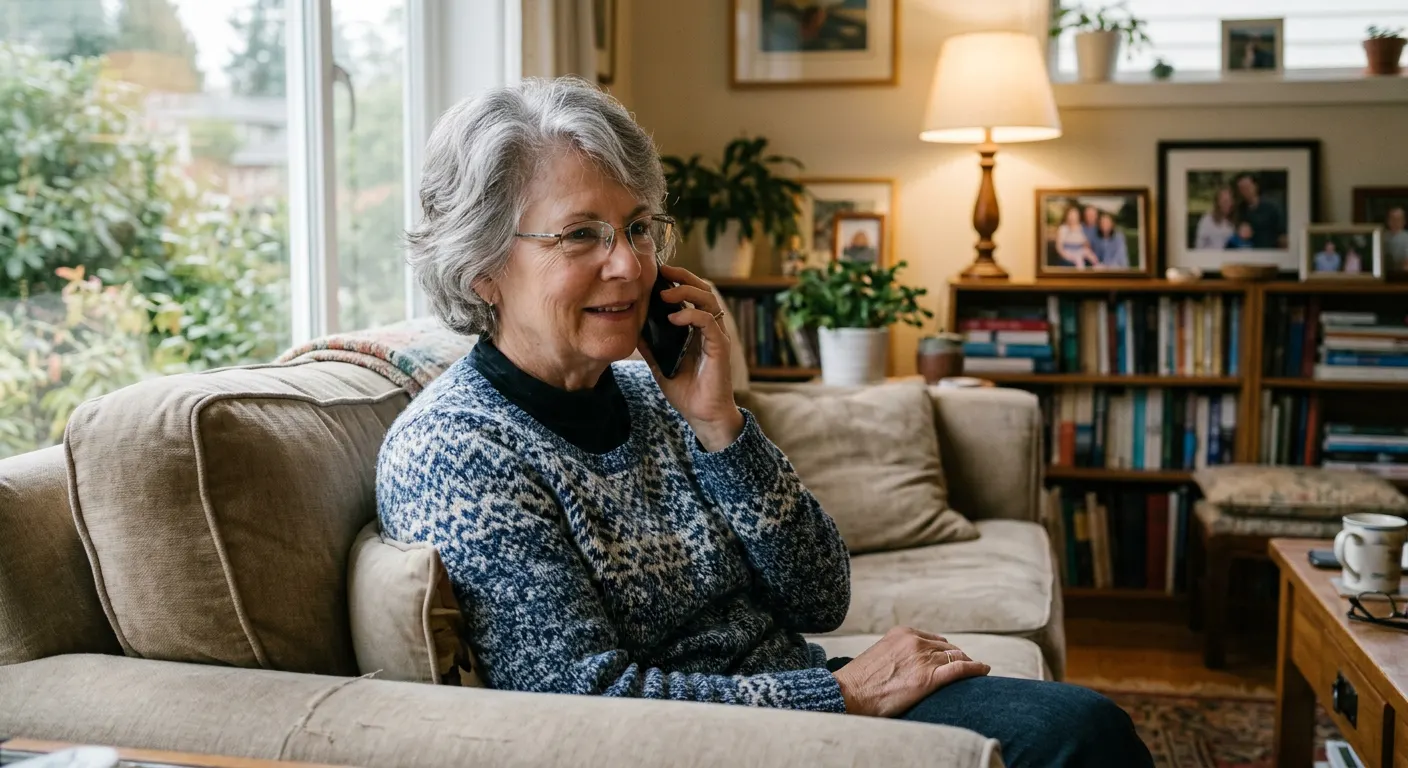
Can I come in tomorrow morning?
I'm the clinic's AI assistant. 10:30 am is free.
I'm out at 10:30. Can it be 12:00?
Yes, 12:00 is free. You're booked in.
Booked for 12:00
Calls
An AI receptionist on your own number. It says it is an AI, takes the reason for the call, and books it or passes it on.
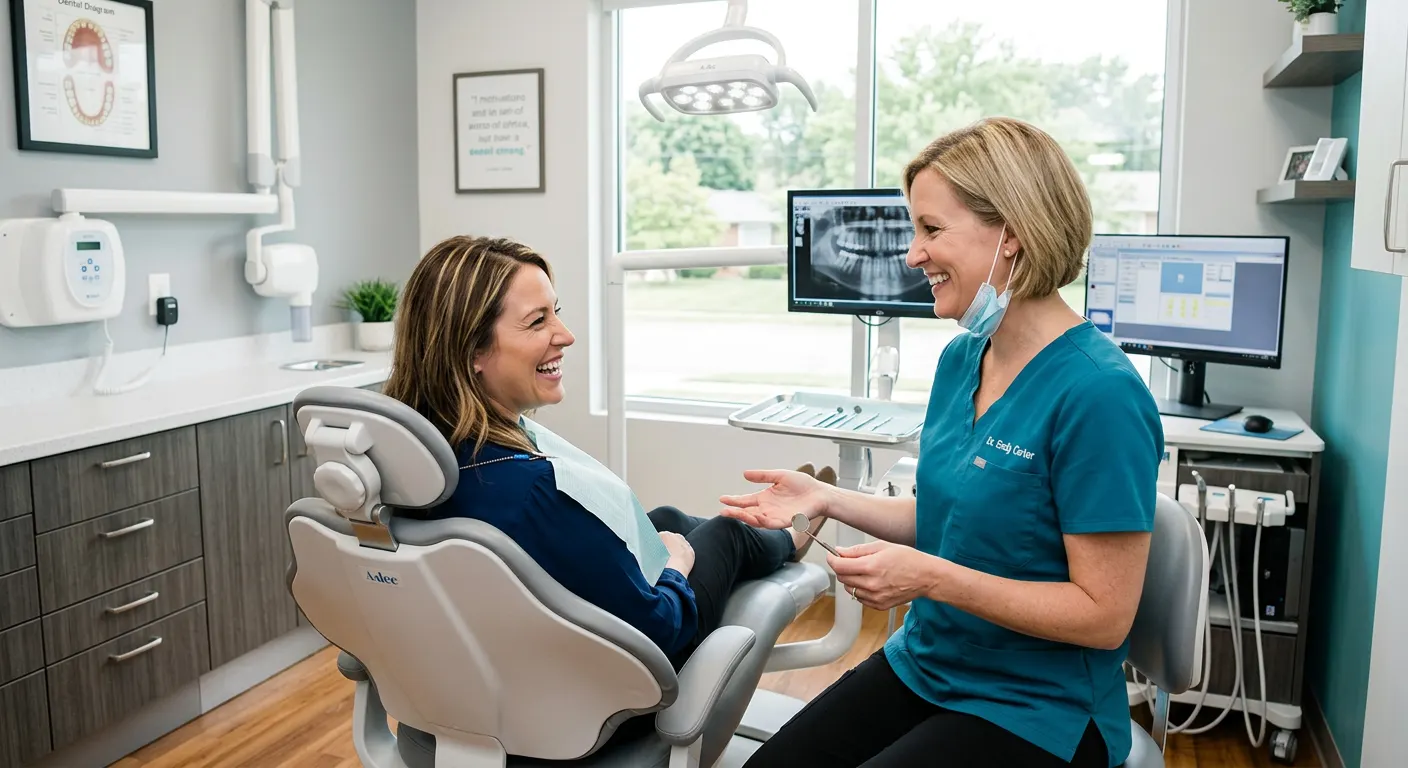
Bookings
Into your real diary — the right doctor, the right length of slot — instead of a note for someone to call back.
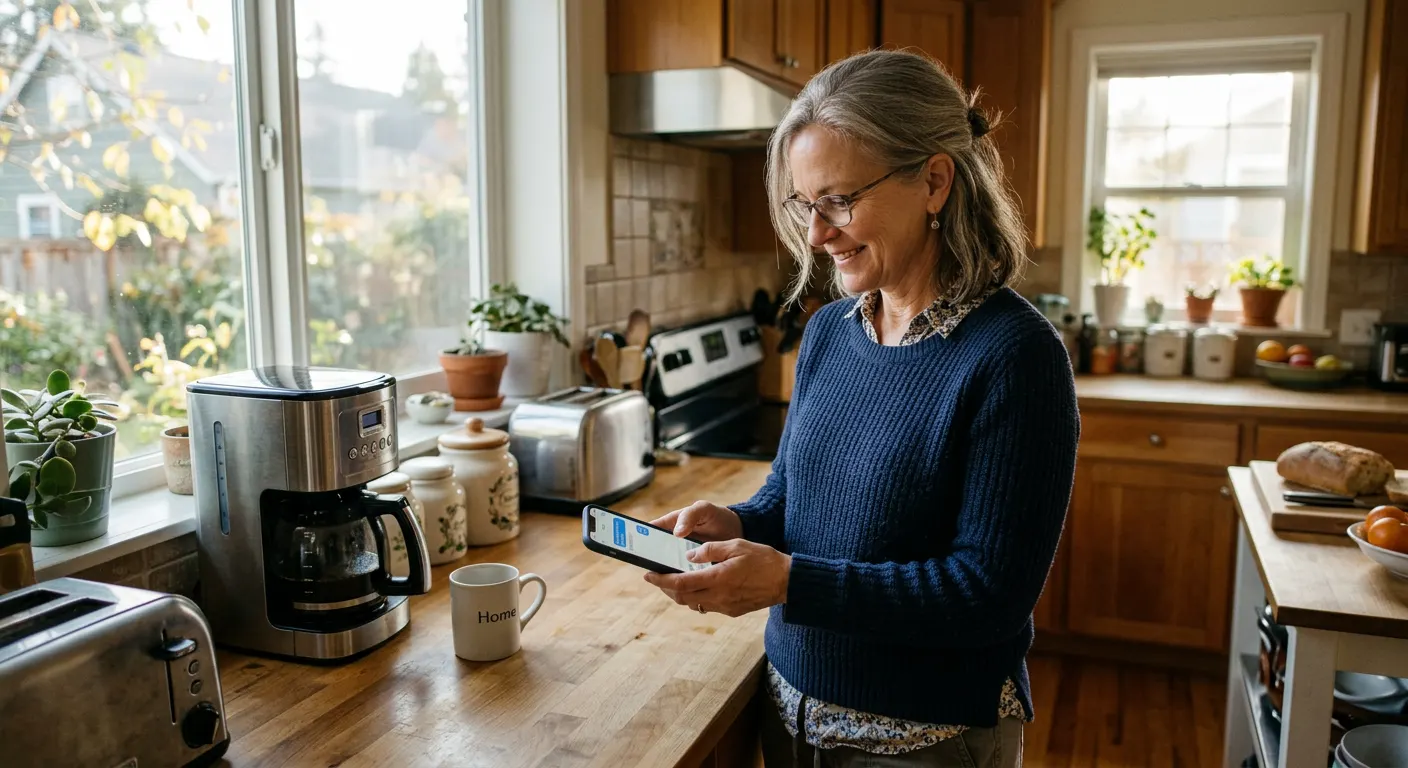
Your appointment is tomorrow at 10:30 am. Can you make it?5:00 pm
Yes, I'll be there.5:04 pm ✓✓
Confirmed. See you tomorrow.5:04 pm
Reminders
The reminder goes out the day before because the flow sends it — not because somebody had a minute.

Reports
Nothing clinical leaves without a person's sign-off. Once they approve, it goes to the patient — not at the end of the day.
Check-up reminders
Check-ups, repeat tests and repeat medicine — called or messaged on schedule, not when the afternoon is quiet.

Your software
Your practice software, spreadsheets and portals. Where there is nothing to connect to, a browser agent logs in with your account and does the clicking.
Which of these would take the most off your front desk?
— More than the front desk
We rebuild your website so Google and AI assistants like ChatGPT can find and read it.
Your bookings, reminders and approvals in an app for Android and iPhone.
A slow page can lose a patient before they call. We find what's slowing it and fix it.
Not sure which one you need? Tell us how your practice runs and we'll point you to it.
— The flows
The actual chain, end to end. Pick the kind of practice closest to yours — what we build for you will be shaped around how your clinic already runs.
Pick your kind of practice 4
Also built for Physiotherapy centres · Eye clinics · Skin & hair clinics · Fertility clinics · Paediatric clinics · Veterinary clinics · Pharmacies · Home-care providers
A switchboard is a routing problem that happens to involve people. This answers whenever the desk cannot.
Your team
You say what counts as urgent. Those calls are handed straight to a human.
This one waits for your team
AI voice call
After hours, at shift change, or while every extension is engaged.
Calendar
The free slot in that consultant's diary, written onto the record.
Department, floor, doctor, time, and what to stop taking beforehand.
Day before and morning. A cancellation frees the slot in time to reuse.
The result
An after-hours switchboard call becomes an appointment in the right department's diary.
ThemI need to see someone about my father's knee. He's seventy-one.
AII'm the hospital's AI assistant. That would be orthopaedics — Dr Menon has Thursday at 11:00, or Saturday morning.
ThemThursday. And is it the same building as the lab?
AISecond floor, same building. I'll send the details on WhatsApp now.
Orthopaedics · Thu 11:00 · Dr Menon · details sent
The evening summary says what booked, what cancelled, and what a person had to take.
Tell us what your team repeats every week. We'll map it and come back to you within one working day — no charge for the map, and it's yours either way.
Dentistry runs on coming back. Every recall and half-finished treatment plan is a conversation nobody had time for.
AI voice call
Evenings, lunch, and the hours your nurse is chairside.
Three visits agreed, one attended. It follows up until booked or declined.
Autopilot
Offered to your short-notice list in order. First to answer takes it.
AI voice call
WhatsApp first, a call if they do not reply.
Day before and morning. Every appointment, every time.
The result
The six-month recall nobody had time to ring about.
Hello Meera — it's six months since your scale and polish with us. Shall I find you a slot?10:02
Yes please, something after 5?10:14
Tuesday 5:30 or Thursday 6:00 with Dr Shah.10:14
Thursday10:16
Booked — Thursday 6:00. I'll remind you the day before.10:16
Recall booked · Thu 18:00 · Dr Shah
The recall list, the unfinished plans and the waiting list are worked every single day.
Tell us what your team repeats every week. We'll map it and come back to you within one working day — no charge for the map, and it's yours either way.
Two conversations, all day long: what does this test cost, and where is my report.
AI voice call
Price, timing and fasting — from your list, word for word.
Calendar
Into the collection diary or the scanner's own schedule.
Your team
No result reaches a patient until someone you name has approved it.
This one waits for your team
Out the moment it is released, instead of a busy line.
AI voice call
On the interval the referring doctor set.
The result
Nothing leaves the lab until the person you name has released that report.
Good morning — your report is ready. Sending it now.08:31
Report · 2 pages · released by Dr Iyer08:31
Thanks. Do I need to repeat this one?08:40
Your doctor's note says in three months. Shall I remind you in February?08:40
Please08:41
Report delivered · repeat test reminder set
Every released report goes out within minutes, and you are told what is waiting on an approval.
Tell us what your team repeats every week. We'll map it and come back to you within one working day — no charge for the map, and it's yours either way.
Skin, eye, physiotherapy, fertility, paediatrics — one or two doctors and a desk that cannot be in two places.
Phone line
After hours, at lunch, or while reception is already with a patient.
AI voice call
As your clinic, in the patient's language, saying it is an AI assistant.
Calendar
The right slot, with the details written onto the record.
Day before and morning, so the slot is kept or freed in time.
Your team
Sent as soon as whoever you nominate has approved that one.
This one waits for your team
The result
The call that would have gone to voicemail becomes an appointment.
ThemHi, I wanted to book with Dr Rao.
AIOf course. I'm the clinic's AI assistant. Dr Rao has Tuesday at 10:30 or Wednesday at 4.
ThemTuesday is better.
AIBooked. You'll get a confirmation on WhatsApp and a reminder the day before.
Appointment booked · Tue 10:30 · Dr Rao
The evening summary says what filled, what cancelled and what needs a person tomorrow.
Tell us what your team repeats every week. We'll map it and come back to you within one working day — no charge for the map, and it's yours either way.
— What it plugs into
A flow is only useful if it reaches the tools your team lives in. Where a product offers a connection, we use it. Where it doesn’t, the browser agent signs in and does the clicking, the same way your team does.
…and the ones that aren’t here. If a tool offers no connection at all, the browser agent signs in with your account and works it the way a person would — which is how portals, job boards and supplier sites get covered. Tell us what you run on the call.
Most aren't exactly. Tell us what your front desk repeats all day and we'll map it.
— How we work
We do not build anything until you have read both. The first two steps are free, and they are the ones that happen before you have to decide anything.
Half an hour. You talk us through a normal week. Nothing to prepare.
On paper, step by step — including what the assistant must never do.
One price for the work on that paper. No surprise bills.
Tested on your real diary. No patient is contacted until you say so.
Usually the after-hours calls, so you can watch it work.
Watched daily, fixed when it breaks, changed as your practice changes.
Calls and messages are charged by the phone company, not by us — passed through at cost, on their own line of your bill.
— The building blocks
Every flow on this page is assembled from these. Yours will use some of them, in an order nobody else has.
Answers and makes real calls in the patient's language, books into the right diary, and writes the call up for your staff. It says it is an AI, and it never gives medical advice.
Insurance and TPA portals, lab systems, older hospital software: it logs in with your own account and does the clicking where there is nothing to connect to.
— Why build it this way
| Doing it by hand | Your practice software | A CodeBold flow | |
|---|---|---|---|
| Answers the phone after hours | No Voicemail | No | Yes 24/7 |
| Books into the right doctor's diary | Yes If someone is free | Yes Someone must type it | Yes On the call |
| Reminds the day before, every time | When there is time | If configured | Yes Always |
| Fills a slot that just cancelled | Yes Ring round | No | Yes Offers the waiting list |
| Chases recalls and repeat medicine | Rarely | A list to work through | Yes Calls them |
| Waits for staff approval before a report goes out | Yes | Varies | Yes Built in |
| Tells you when a step fails | No The patient tells you | If configured | Yes Alerts a person |
The first two are fine for a step. A process that spans a browser, a phone call and a calendar needs something that can carry it all the way through.
One free call. We'll map your front desk with you and tell you honestly whether it's worth automating.
— What it costs
Every automation is a different length, so there is no plan to pick off a shelf. We scope your flow first, then give you one number before any work starts.
Phone and WhatsApp charges are set by the provider and vary by country. They are listed separately in your quote, at cost, so you can see exactly what is ours and what is theirs.
The call and the written plan cost nothing, and the plan is yours to keep.
A fixed figure for the flow we agreed, quoted before any work starts.
Hosting, monitoring, the alerts when a step fails, and the tuning.
Billed by the phone company and passed through without a markup.
— Trust & responsible AI
On every call and every chat. We will not build one that pretends to be a person.
It books, reminds and confirms. It does not triage, advise or read a result.
You define what urgent means. Those calls are handed over, not assessed.
Patients hear your practice. Never ours, never a vendor's.
Only patients who agreed, and only in the hours you set.
Any step can need approval, and every call and message is logged.
— Questions doctors ask
Yes. It introduces itself as your practice's AI assistant at the start of every call and chat. That is honest, and in most countries it is also required.
No, and we will not build one that does. It books appointments, sends reminders and delivers reports your staff have released. Anything clinical is written up and handed to your team.
It goes to a person immediately. You tell us in plain words what counts as urgent at your practice, and the assistant never tries to judge how serious it is.
No, and we will not imply otherwise — we hold no healthcare certification. Patient details stay in the systems you already use, in a workspace of your own, and we do not reuse or sell anything that passes through it. Bring your IT policy or your country's rules to the mapping call and we will either build to them or tell you honestly that we cannot.
It works with your calendar and your email, imports Excel and CSV, and connects to your system wherever it allows. Where there is nothing to connect to, the browser agent logs in with your account and does the clicking.
You do. The flow, the rules, the call scripts and the data are yours, and they stay in your own workspace.
— Let's talk
One free call. We'll map it with you and tell you honestly whether it's worth automating.
Working with clients internationally, since 2013.
Tell us about your project and we will get back to you within 24 hours.
