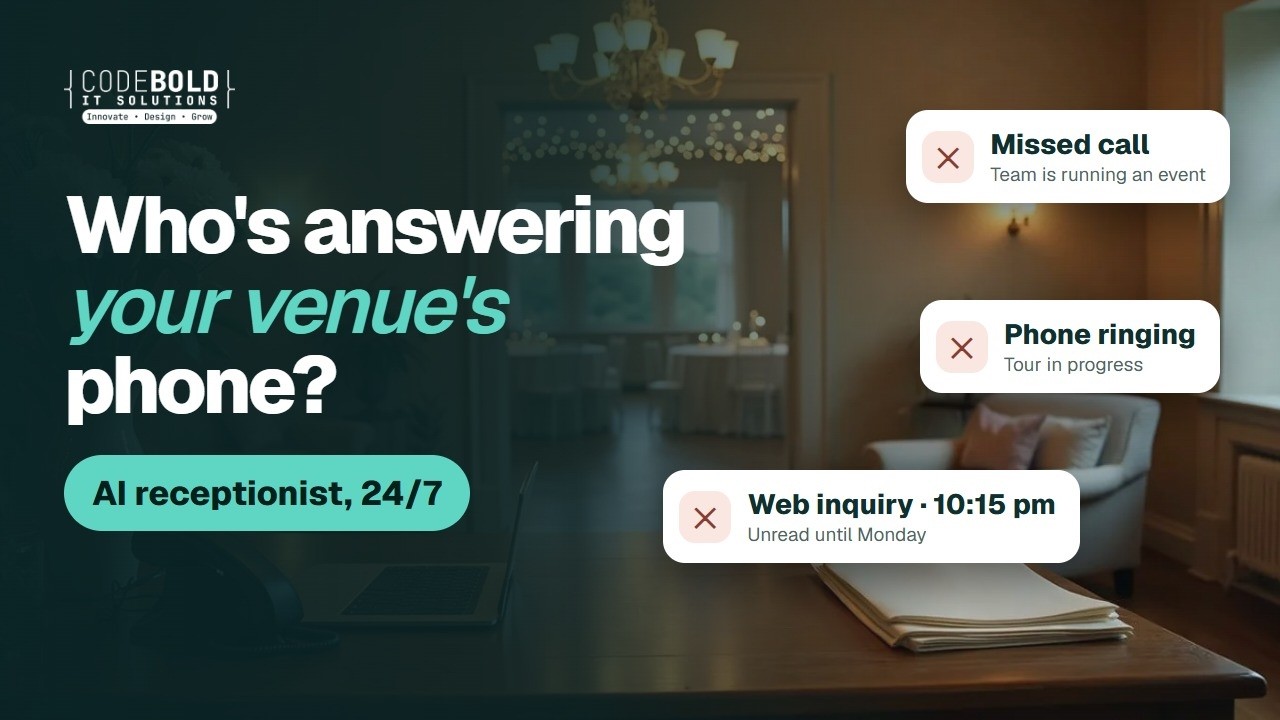

An AI receptionist on your own line
Answers and makes real calls in the caller's language, takes the date, guest count and event type, books the tour and writes the call up for your team. It says it is an AI, and it never holds a date.

Your team is running a wedding.
New inquiries still get answered.
Hi, is Saturday, October 17 open for a wedding?
I'm the venue's AI assistant. It shows open. Can I book you a tour?
Inquiry taken · tour booked
— The flows
The actual chain, end to end. Pick the kind of venue closest to yours. What we build for you will be shaped around how your venue already runs.
Pick your kind of venue 4
Also built for Garden & outdoor venues · Wineries & vineyards · Hotels & resorts · Country clubs · Rooftops & lofts · Restaurants with private rooms · Historic homes & museums · Party & event halls
Couples often call more than one venue on the same evening. This answers first.

AI voice call
Phone, website chat and email, evenings and weekends included.

AI voice call
Your questions, in your order. The date is checked against your calendar, never held.

Your own guide, exactly as you wrote it. Custom quotes come from your team.

Calendar
With the right coordinator, confirmed by text and email, reminded the day before.

Your team
Only once the contract is signed. The flow never holds, promises or confirms a date.
This one waits for your team
The result
The couple who called at ten at night gets a tour booked, not a voicemail.
ThemHi, we just got engaged. Do you have anything open next October?
AICongratulations! I'm the venue's AI assistant. October 10 and 24 show open on our calendar right now.
ThemLovely. We're thinking about 140 guests.
AIThank you. I'll email our pricing guide now. Would Saturday at 11:00 am work for a tour?
Inquiry taken · guide sent · tour Sat 11:00 am
And it keeps running
The morning summary lists every new inquiry, every tour booked, and what needs a coordinator.
Your own process
Tell us what your team repeats every week. We'll map it and come back to you within one working day. The map is free, and it's yours either way.
Barns and estates book on the visit. The follow-up after the tour is the step a busy weekend forgets.
Calendar
Into the coordinator's calendar, with directions and parking details.

Text
Confirm or rebook by text, so the slot is kept or freed in time.
Text
The day after the tour, in your coordinator's words.
Your team
Date holds, custom packages and anything not in your guide go to a person.
This one waits for your team
Polite and spaced out. They stop when the couple books or says no.
The result
The couple who loved the tour hears back the next morning, and a person holds the date.
Hi Jess, thanks for visiting the estate on Saturday. Any questions Megan can answer for you?10:02 am
We loved it. Is May 22 still open?10:40 am
It shows open right now, but only Megan can hold a date. I've asked her to call you today.10:40 am
Perfect, thank you10:41 am
Follow-up answered · coordinator to call today
And it keeps running
Each Monday you see every weekend tour, who replied, and who needs a call.
Your own process
Tell us what your team repeats every week. We'll map it and come back to you within one working day. The map is free, and it's yours either way.
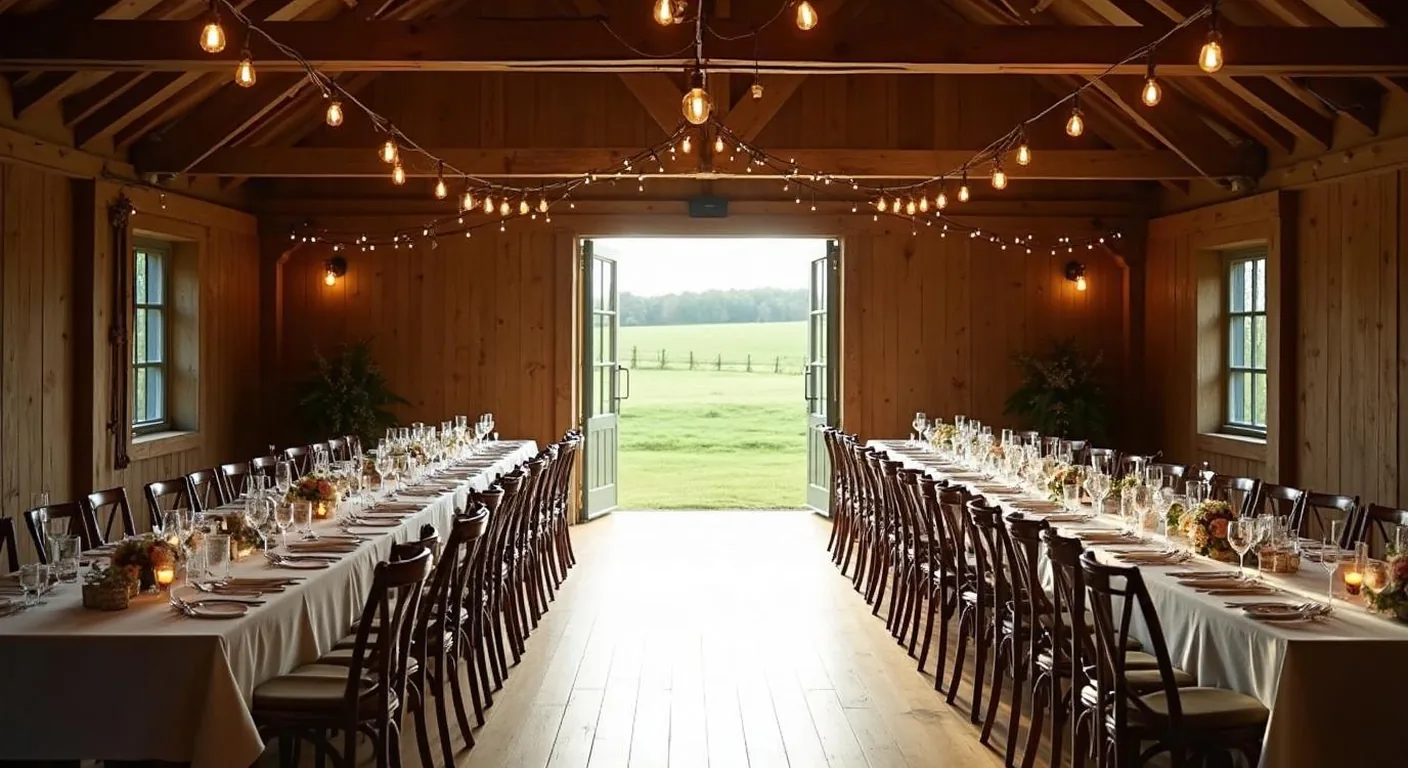
A banquet hall runs several events a week, each with its own headcount, timeline and payments to collect.
AI voice call
Date, guest count and event type taken, in the caller's language.
Once your coordinator approves it. Deposits go through your own payment link, never by phone.
Text
On the dates in the contract, in your venue's words.
Timeline, headcount and vendor list, with reminders until each one comes back.
Your team
Anything urgent on the day reaches your coordinator straight away.
This one waits for your team
The result
Final numbers in before the kitchen needs them, not the night before.
Hi Linda, the anniversary party is three weeks away. Could you send the final headcount by Monday?11:00 am
Yes, we're at 120 now.11:24 am
Thank you. The timeline form is in your email too, whenever you're ready.11:24 am
Got it, thanks11:25 am
Headcount received · timeline form chased
And it keeps running
Each week you see which events are still waiting on a headcount, a form or a payment.
Your own process
Tell us what your team repeats every week. We'll map it and come back to you within one working day. The map is free, and it's yours either way.
Company parties and private events often need a custom quote. The job is to take the details and get them to the right person.
AI voice call
Phone, chat or email: date, guest count and event type, checked against your calendar.
Your published event packages, exactly as written.
Your team
Menus, AV and anything not in your guide go to your events team with the details.
This one waits for your team
Calendar
With the right person, confirmed by email and reminded the day before.
After the event, in your venue's words, with a link to leave a review.
The result
A corporate inquiry with a custom ask goes to the person who can quote it.
ThemI'm planning our company holiday party. Do you have December 11 for about 80 people?
AII'm the venue's AI assistant. December 11 shows open right now. I can email our event packages.
ThemPlease do. We'd need a custom menu too.
AICustom quotes come from our events team. Tom can call you tomorrow at 10:00 am.
Inquiry taken · packages sent · callback Thu 10:00 am
And it keeps running
Each morning you see every corporate inquiry, what was sent, and what needs a quote.
Your own process
Tell us what your team repeats every week. We'll map it and come back to you within one working day. The map is free, and it's yours either way.
— Sound familiar?
These happen every week at a busy venue, and each one can cost you a booking.
The office is empty during every event. The phone isn't.
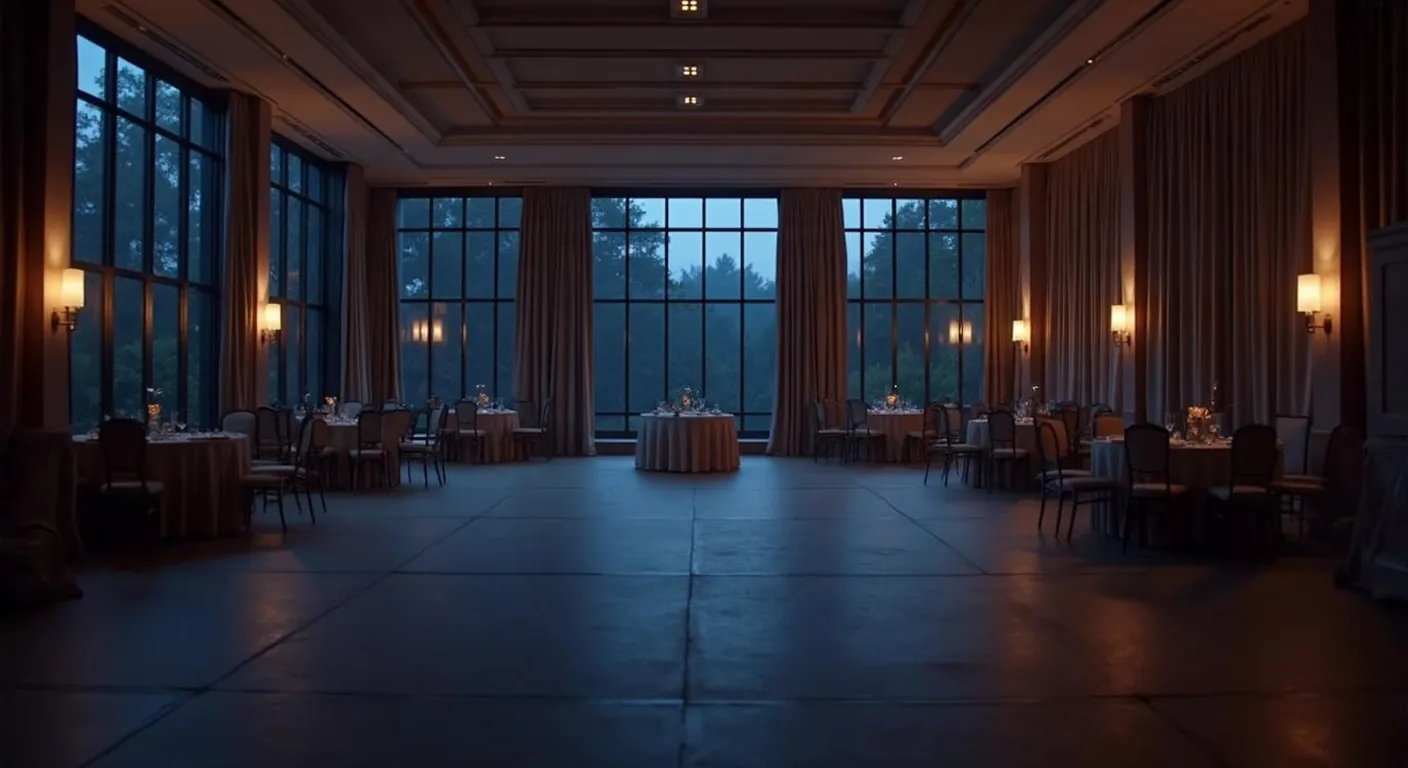
Evening and weekend inquiries wait for the office to open.
They loved it on Saturday. Nobody wrote to them after.

Sent last week. Nobody chased it.

The event is close. The headcount and timeline aren't in.
Tours, calls and tonight's event all want the same person.
Every one of these can run without waiting for a free pair of hands.
— Where it fits
Inquiries answered, your calendar checked, your pricing guide sent and venue tours booked with reminders.
Contract and deposit link sent after your coordinator approves, then payment reminders on your schedule.
Final details chased, anything urgent passed to your coordinator, then a thank-you and a review request.
— What it does
Hi, do you have Saturday, October 17 for a wedding?
I'm the venue's AI assistant. That date shows open on our calendar.
Great. About 150 guests. What does it cost?
I'll email our pricing guide now. Would you like to book a tour?
Inquiry taken · pricing guide sent
Inquiries
An AI receptionist for your wedding venue, on your phone, website chat and inbox. It says it is an AI, takes the date, guest count and event type, and checks the date against your own venue calendar. Only a coordinator holds a date.
Brochures & tours
Your own brochure or wedding venue pricing guide goes out by email or text, exactly as you wrote it. Then venue tour scheduling with the right coordinator, with reminders before the visit.
Hi Chris, thanks for visiting on Saturday. Any questions we can answer?10:05 am
Can we bring our own caterer?10:31 am ✓✓
Good question. Megan, your coordinator, will reply today.10:31 am
Follow-up
A tour follow-up the day after the visit, in your coordinator's words, then polite check-ins on the schedule you set. Anything your guide doesn't answer goes to your coordinator.
Contracts & payments
The event contract and your own deposit payment link go out once your coordinator approves them. Payment-schedule reminders follow on the dates in the contract. It never takes a card number.
Before and after
Your final details questionnaire (timeline, headcount, vendor list) is chased until it comes back. After the event, a thank-you and a review request go out in your venue's words.

Your software
Your venue management software (HoneyBook, Tripleseat, Planning Pod, Perfect Venue, Dubsado and others, wherever they allow a connection), plus your calendar and email. Where there is nothing to connect to, a browser agent logs in with your account and does the clicking.
Which of these would take the most off your front desk?
— More than the front desk
We build or rebuild your wedding venue website so Google and AI assistants like ChatGPT can find and read it.
Free Your new home page, designed first. Need a new website or a redesign? We'll design your home page for free. If you like it, we carry on.
Do it yourself, in plain words. Type the change the way you'd say it, check it, preview it and publish. No developer, no waiting.
Your tours, inquiries and approvals in an app for Android and iPhone.
A slow page can lose a couple before they inquire. We find what's slowing it and fix it.
Tell us how your venue runs. We'll point you to the one that helps most, or tell you it's fine as it is.
— What it plugs into
A flow is only useful if it reaches the tools your team lives in. Where a product offers a connection, we use it. Where it doesn’t, the browser agent signs in and does the clicking, the same way your team does.
…and the ones that aren’t here. If a tool offers no connection at all, the browser agent signs in with your account and works it the way a person would, which is how portals, job boards and supplier sites get covered. Tell us what you run on the call.
— The building blocks
Every flow on this page is assembled from these. Yours will use some of them, in an order nobody else has.
Answers and makes real calls in the caller's language, takes the date, guest count and event type, books the tour and writes the call up for your team. It says it is an AI, and it never holds a date.
Older venue software, booking portals and online forms: it logs in with your own account and does the clicking where there is nothing to connect to.
— Why build it this way
| Doing it by hand | Your venue software | A CodeBold flow | |
|---|---|---|---|
| Answers inquiries after hours | No Voicemail | No | Yes 24/7 |
| Checks the date while the caller is on the line | If someone is free | Someone must look | Yes On the call |
| Sends your pricing guide | When someone remembers | If configured | Yes During the inquiry |
| Books tours and reminds couples | Phone and email tag | If configured | Yes Always |
| Follows up after every tour | Rarely | A task to work through | Yes On your schedule |
| Chases final details and payments | One email at a time | If configured | Yes Until they're in |
| Waits for a coordinator's approval before anything goes out | Yes | Varies | Yes Built in |
| Tells you when a step fails | No The couple tells you | If configured | Yes Alerts a person |
The first two are fine for a step. A process that spans a browser, a phone call and a calendar needs something that can carry it all the way through.
One free call. We'll map your front desk with you and tell you honestly whether it's worth automating.
— What it costs
Four parts, each agreed before it starts. Nothing is billed by the hour, and your whole team can use it at no extra cost per person.
A 30-minute call, then a written plan of your flow. Yours to keep, even if you say no.
One fixed price for the plan you approved, agreed before work starts. Nobody is contacted until you sign it off.
Hosting, daily checks, an alert when a step fails, fixes, and changes as you grow.
Charged by the phone company and passed on with no markup, on their own line.
Calls and texts are billed by the phone company and shown on their own line of your quote, at cost.
— Trust & responsible AI
On every call, chat and email. We will not build one that pretends to be a person.
It checks your calendar, but never holds, promises or confirms a date. A coordinator does, once the contract is signed.
Prices only from your own guide, custom quotes from your team. No card numbers: deposits go through your payment link.
A problem on the day, anything that can't wait: you define urgent, and it goes to your coordinator straight away.
It only contacts people who inquired with you, and your booked clients. No cold calls, texts or emails.
Your name on your number. Anything sent can need approval, everything is logged, and we claim no certification.
— Questions venue owners ask
Yes. It introduces itself as your venue's AI assistant at the start of every call, chat and email thread. That is honest, and in a growing number of places it is also required.
No, and we will not build one that does. It checks the date against your own calendar and can say it shows open at that moment. Holding, promising or confirming a date is your coordinator's job, once a contract is signed.
Only what your own pricing guide or brochure says, word for word. Custom quotes, package changes and anything not in the guide go to your team with the details, and your team replies.
It never takes a card number by phone, chat or text. Once your coordinator approves the contract, it sends your own payment link, and payment-schedule reminders follow on the dates in the contract. The payment itself is handled by your payment provider.
Day-of problems and anything urgent go to your coordinator straight away, by call or text to the person you choose. You decide what counts as urgent. The flow does not try to fix it on its own.
Only people who inquired with your venue, and your booked clients. It never cold-calls, cold-texts or cold-emails anyone, and anyone who asks to stop is not contacted again.
It works with your calendar and email, imports Excel and CSV, and connects to HoneyBook, Tripleseat, Planning Pod, Perfect Venue, Dubsado and similar tools wherever they allow a connection. We are not a partner of any of them. Where there is nothing to connect to, the browser agent logs in with your account and does the clicking.
It stays in the systems you already use, in a workspace of your own, and we do not reuse or sell anything that passes through it. We hold no certification or compliance standard and will not imply otherwise. Bring your venue's policies to the mapping call, and we will either build to them or tell you honestly that we cannot.
Many answering services take a message for someone to call back. This flow takes the date, guest count and event type, checks your calendar, sends your pricing guide, books the tour with the right coordinator and confirms it by text, then writes the inquiry up for your team. Anything it should not handle still goes to a person.
Yes. It can answer and message in Spanish and other languages, asking your questions in the caller's language, and your team can get the write-up in English.
There is no fixed plan, because every venue's front desk is different. The mapping call and written plan are free, building it is one fixed price agreed before work starts, running it is a monthly fee, and calls and texts are passed through at cost. You have the full figure before you sign.
This page shows worked flows for wedding venues, barns and estates, banquet halls, and corporate and private events. We also build for garden venues, wineries, hotels, country clubs, rooftops, restaurants with private rooms, historic homes and party halls.
You do. The flow, the scripts, the rules and the data are yours, and they stay in your own workspace.
— The AI behind it
Chat Cobalt is Codebold's own AI chat and voice product. It answers your website chat and your phone, trained on your venue's own website, and hands the flows on this page what they need: the booking, the reminder, the follow-up.
We run Chat Cobalt on our own business every day.
— Let's talk
One free call. We'll map it with you and tell you honestly whether it's worth automating.
Working with clients internationally, since 2013.
Tell us about your project and we will get back to you within 24 hours.