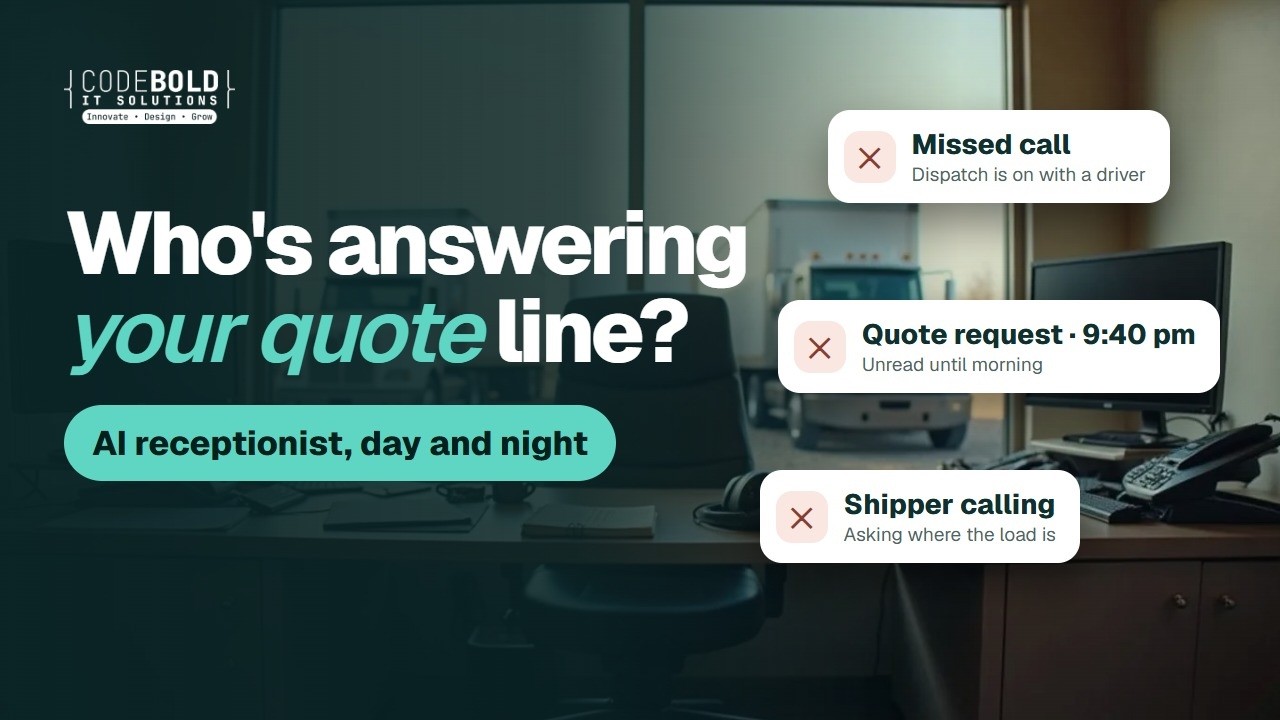

An AI receptionist on your own line
Answers and makes real calls in the caller's language, takes quote requests and status questions, and writes the call up for dispatch. It says it is an AI, and it never prices a load.

Dispatch is on with a driver.
Your shippers still get an answer.

I need a quote for 22 pallets, Dallas to Atlanta.
I'm the company's AI assistant. I'll take the details for your quote.
Quote request taken · sent to dispatch
— The flows
The actual chain, end to end. Pick the business closest to yours. What we build for you will be shaped around how your company already runs.
Pick your business type 4
Also built for Hotshot & expedited · Flatbed & heavy haul · Drayage & intermodal · Auto transport · Final-mile delivery · Medical & lab courier · Freight forwarding · Fulfillment centers
A shipper with a load calls carriers until one answers. This answers first.

AI voice call
Evenings, weekends, and while dispatch is on with drivers.

AI voice call
Lane, weight, dates, equipment and anything special: your questions, word for word.

Your team
Every rate is set by a person. The flow never quotes a price on its own.
This one waits for your team

The price your team set, in your own template, with the reply routed back to dispatch.

Calendar
Once a dispatcher confirms the truck, the pickup is booked and confirmed by text.
The result
The quote request at nine at night reaches your team, not a voicemail box.
ThemI need a reefer from Fresno to Denver on Thursday. About 40,000 pounds.
AII'm the company's AI assistant. I'll take the details for our team to price. What's the pickup window?
ThemAny time before noon.
AIThank you. Our team will email your quote. Nothing is booked until you both confirm.
Lane, weight, date and equipment taken · sent to dispatch to price
And it keeps running
The morning summary lists every quote request, what was confirmed, and what needs dispatch.
Your own process
Tell us what your team repeats every week. We'll map it and come back to you within one working day. The map is free, and it's yours either way.
Brokers sit between shippers and carriers. Both want answers, and both come with paperwork.
AI voice call
Lane, weight, dates and equipment, written up for your team to price.
Your onboarding packet, sent to carriers on your list.

Text
W-9, insurance certificate and signed agreement, with polite reminders until each arrives.
Your team
Nothing is approved by the flow. A person checks every packet.
This one waits for your team
Your team
A request to change payment details is never acted on by the flow.
This one waits for your team
The result
The carrier packet, chased until it's complete, and checked by your team.
Hi Dave, to finish your carrier setup we still need your W-9 and certificate of insurance. You can send photos here.9:02 am
Sending the W-9 now. My insurance agent is sending the certificate.9:15 am
Thank you, the W-9 is received. I'll check back tomorrow for the certificate.9:15 am
Sounds good9:16 am
W-9 received · certificate chased · your team reviews the packet
And it keeps running
Each morning you see which carriers are waiting on which document.
Your own process
Tell us what your team repeats every week. We'll map it and come back to you within one working day. The map is free, and it's yours either way.
Local delivery runs on time windows. Every missed window is a second trip.
Text
The customer picks from the windows your dispatcher released for that route.
Text
So the customer is home, or reschedules before the truck leaves.

Driver app
Status texts come from your own driver app, never a guess.
Text
The photo and signature go to the customer and the shipper.
Your team
You decide what counts. Those are handed to dispatch straight away.
This one waits for your team
The result
A delivery window the customer chose, so the driver makes one trip, not two.
Hi Linda, we have your furniture delivery for Thursday. Would morning or afternoon suit you?4:02 pm
Afternoon please4:10 pm
Booked for Thursday between 1:00 and 4:00 pm. We'll text you when the driver is on the way.4:10 pm
Perfect, thanks4:11 pm
Delivery window booked · Thu 1:00 to 4:00 pm
And it keeps running
The end-of-day report lists every drop, every POD and anything that needs a call.
Your own process
Tell us what your team repeats every week. We'll map it and come back to you within one working day. The map is free, and it's yours either way.
A warehouse dock is a calendar. Every truck that shows up unannounced breaks it.
AI voice call
By phone and email, from carriers and customers you already work with.
Dock calendar
Only the slots your team released, with the PO checked against your list.
To the carrier, with your dock rules and check-in steps.
Warehouse software
From your own warehouse data, or passed to a person when it doesn't know.
Your team
Anything that could become a claim is handed to your supervisor.
This one waits for your team
The result
Inbound trucks arrive on the schedule you set, not whenever they show up.
ThemI need a delivery appointment for a 53-foot trailer, Tuesday morning.
AII'm the warehouse's AI assistant. Tuesday has 8:00 am or 10:30 am open on the dock schedule. Which works?
Them8:00 am. The PO is on the bill of lading.
AIBooked for Tuesday at 8:00 am. I'll email the confirmation now.
Dock appointment booked · Tue 8:00 am · PO checked
And it keeps running
The daily ops report shows tomorrow's dock, what came in, and what needs a person.
Your own process
Tell us what your team repeats every week. We'll map it and come back to you within one working day. The map is free, and it's yours either way.
— Sound familiar?
These happen every week at a busy freight office, and each one can cost you a load.
A shipper with a load calls while every line is busy.

Night and weekend quote requests wait for the morning.
The signed paperwork rides around for days, and so does the invoice.

The same question, from every shipper, every day.

One pickup time, three calls and an email.
Drivers, shippers and paperwork all want the same person.
Every one of these can run without waiting for a free pair of hands.
— Where it fits
Freight quote requests taken day and night, priced by your team, then the pickup booked.
Status answered from your own load tracking data, check-call reminders and delivery appointments.
Proof of delivery and the invoice sent, overdue invoices followed up, and a daily ops report.
— What it does
I need a quote. 22 pallets, Dallas to Atlanta, Friday.
I'm the company's AI assistant. What equipment do you need?
A 53-foot dry van. Can you take it?
Our team prices every load. They'll email your quote.
Quote request sent to your team
Quote requests
An AI receptionist for freight and trucking companies, on your own number. It says it is an AI, takes the lane, weight, dates and equipment, and passes the request to your team to price.
Pickups & deliveries
It asks the shipper or consignee for pickup and delivery appointments that fit their dock hours. A dispatcher confirms the truck, then it books the time and sends the confirmation.
Proof of delivery & invoices
When the driver marks the load delivered, the proof of delivery goes to the customer, and the invoice follows from your freight billing software once your team approves it.
Your load picked up in Dallas this morning. Last update: east of Shreveport.1:10 pm
Will it make the 8:00 am delivery?1:14 pm ✓✓
I can't confirm that. I've asked dispatch to text you.1:14 pm
Load status
Shipment status updates come only from your own tracking data: your TMS, ELD or driver app. When it doesn't know, it says so and asks dispatch.
Reminders & follow-ups
Driver check-call reminders at the times you set, overdue invoices followed up politely, and carrier paperwork chased until it arrives.
Your software
Your TMS or dispatch software (AscendTMS, Rose Rocket and others, wherever they allow a connection), accounting, calendar and email. Where there is nothing to connect to, a browser agent logs in with your account and does the clicking.
Which of these would take the most off your front desk?
— More than the front desk
We build or rebuild your trucking company website so Google and AI assistants like ChatGPT can find and read it.
Free Your new home page, designed first. Need a new website or a redesign? We'll design your home page for free. If you like it, we carry on.
Do it yourself, in plain words. Type the change the way you'd say it, check it, preview it and publish. No developer, no waiting.
Your loads, quote requests and approvals in an app for Android and iPhone.
A slow page can lose a shipper before they call. We find what's slowing it and fix it.
Tell us how your company runs. We'll point you to the one that helps most, or tell you it's fine as it is.
— What it plugs into
A flow is only useful if it reaches the tools your team lives in. Where a product offers a connection, we use it. Where it doesn’t, the browser agent signs in and does the clicking, the same way your team does.
…and the ones that aren’t here. If a tool offers no connection at all, the browser agent signs in with your account and works it the way a person would, which is how portals, job boards and supplier sites get covered. Tell us what you run on the call.
— The building blocks
Every flow on this page is assembled from these. Yours will use some of them, in an order nobody else has.
Answers and makes real calls in the caller's language, takes quote requests and status questions, and writes the call up for dispatch. It says it is an AI, and it never prices a load.
Shipper portals, carrier portals and older dispatch software: it logs in with your own account and does the clicking where there is nothing to connect to.
— Why build it this way
| Doing it by hand | Your TMS | A CodeBold flow | |
|---|---|---|---|
| Takes quote requests after hours | No Voicemail | No | Yes 24/7 |
| Asks your quote questions, every time | Yes If someone is free | A form to fill in | Yes On the call |
| Answers “where is my load?” | Dispatch stops to check | If the shipper logs in | Yes From your tracking data |
| Sends the POD and invoice after delivery | When the paperwork is in | Someone must send it | Yes On every delivered load |
| Follows up overdue invoices | Rarely | A report to work through | Yes On your schedule |
| Waits for a person to price and confirm | Yes | Varies | Yes Built in |
| Tells you when a step fails | No The customer tells you | If configured | Yes Alerts a person |
The first two are fine for a step. A process that spans a browser, a phone call and a calendar needs something that can carry it all the way through.
One free call. We'll map your front office with you and tell you honestly whether it's worth automating.
— What it costs
Four parts, each agreed before it starts. Nothing is billed by the hour, and your whole team can use it at no extra cost per person.
A 30-minute call, then a written plan of your flow. Yours to keep, even if you say no.
One fixed price for the plan you approved, agreed before work starts. Nobody is contacted until you sign it off.
Hosting, daily checks, an alert when a step fails, fixes, and changes as you grow.
Charged by the phone company and passed on with no markup, on their own line.
Calls and texts are billed by the phone company and shown on their own line of your quote, at cost.
— Trust & responsible AI
On every call and every text. We will not build one that pretends to be a person.
It takes quote requests and appointment windows. Your team prices every load and confirms every pickup.
Damage, a claim, an accident or a breakdown: you define urgent, and those calls are handed over.
It never acts on a request to change payment or bank details. Those go straight to your team.
It only contacts your customers, carriers on your list, and people who inquired.
Status comes only from your own tracking data, and it says when it doesn't know. We claim no certification.
— Questions owners ask
Yes. It introduces itself as your company's AI assistant at the start of every call and text conversation. That is honest, and in a growing number of places it is also required.
No. It takes the quote request (lane, weight, dates, equipment and anything special) and passes it to your team. A person prices every load and confirms every pickup. Once your team has set the price, it can send the quote in your template and book the pickup your dispatcher confirmed.
Only from your own tracking data: your TMS, ELD or driver app, wherever they allow a connection. It never guesses an arrival time. When the data is missing or unclear, it tells the customer it doesn't know and asks dispatch to follow up.
You set what counts as urgent: a claim, damaged or missing freight, an accident, a breakdown or a refused load. Those go to a person on your team straight away. It does not try to judge how serious it is, and it does not discuss fault or liability.
It never acts on it. Requests to change bank details are a common fraud in freight, so any message asking to change where money is sent goes straight to a person on your team. The flow does not send or change payment details.
Only your existing customers, carriers on your own list, and people who inquired: quotes, appointment confirmations, status updates, reminders and invoice follow-ups. It never cold-calls, cold-texts or cold-emails shippers or carriers, and anyone who asks to stop is not contacted again.
No. We hold no certification or compliance standard and will not imply otherwise. The flow does not manage hours of service, safety records or any filing; that stays with your team and your own systems. Data stays in the systems you already use, in a workspace of your own, and we do not reuse or sell anything that passes through it.
It works with your calendar and email, imports Excel and CSV, and connects to your TMS, dispatch, accounting and tracking software wherever they allow a connection. Where there is nothing to connect to, the browser agent logs in with your account and does the clicking.
Many answering services take a message for someone to call back. This flow asks your own quote questions, answers status from your tracking data, sets appointment windows for dispatch to confirm, and writes every call up for your team. Anything it should not handle still goes to a person.
Yes. It can answer and message in Spanish and other languages, and your team can get the write-up in English.
There is no fixed plan, because every company's dispatch is different. The mapping call and written plan are free, building it is one fixed price agreed before work starts, running it is a monthly fee, and calls and texts are passed through at cost. You have the full figure before you sign.
This page shows worked flows for trucking companies, freight brokers, local delivery and courier firms, and warehouses and 3PLs. We also build for hotshot, flatbed, drayage, auto transport, final-mile, medical courier, freight forwarding and fulfillment businesses.
You do. The flow, the scripts, the rules and the data are yours, and they stay in your own workspace.
— The AI behind it
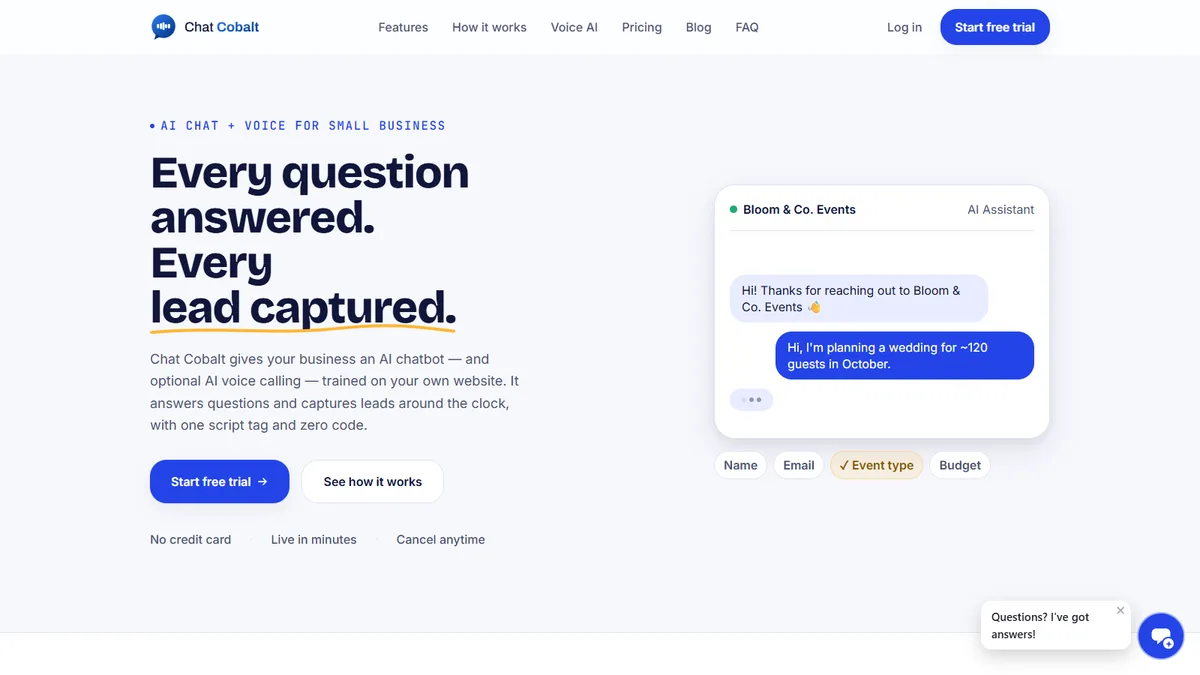
Chat Cobalt is Codebold's own AI chat and voice product. It answers your website chat and your phone, trained on your company's own website, and hands the flows on this page what they need: the booking, the reminder, the follow-up.
We run Chat Cobalt on our own business every day.
— Let's talk
One free call. We'll map it with you and tell you honestly whether it's worth automating.
Working with clients internationally, since 2013.
Tell us about your project and we will get back to you within 24 hours.